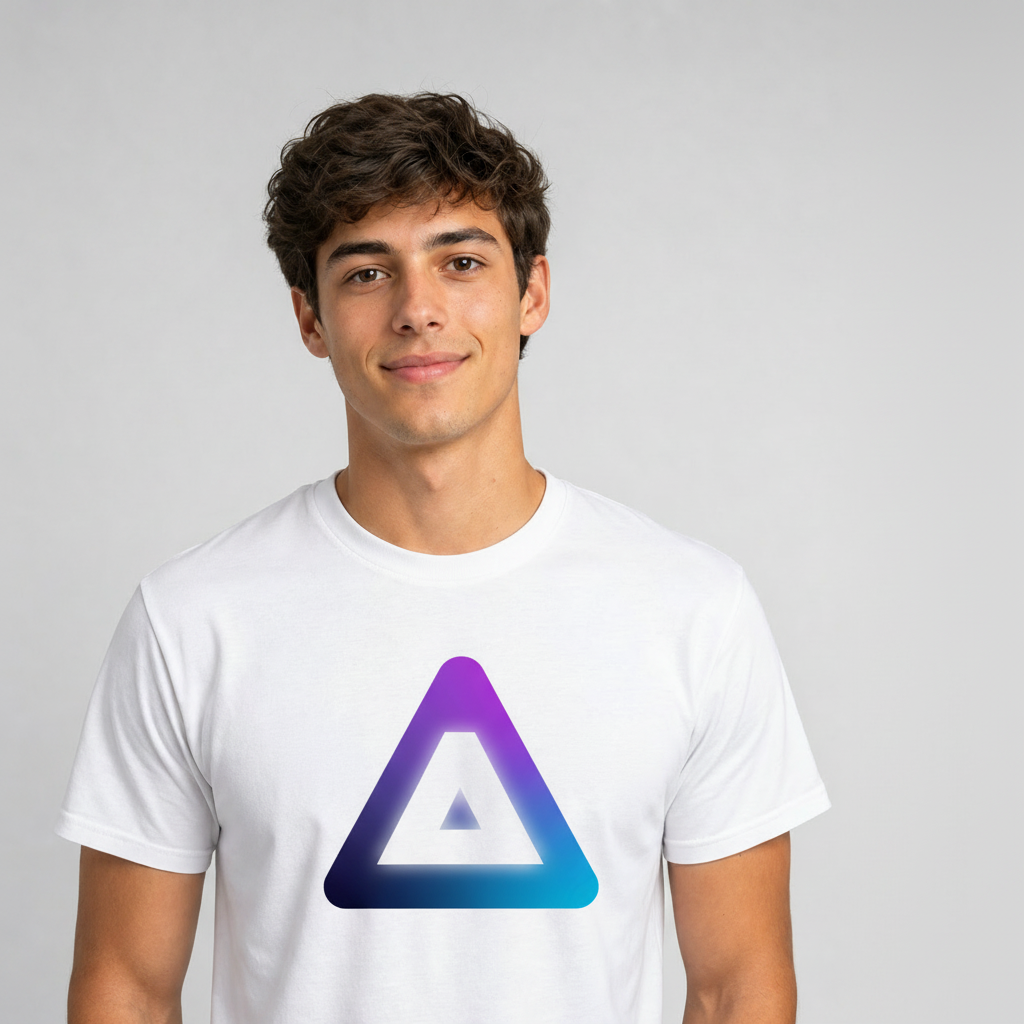
You have a great video clip — but there's a logo, a watermark, or some text stuck right in the middle of it. Traditionally, cleaning that up meant painstaking frame-by-frame masking in a professional editor, or just re-shooting. Not anymore. With AI, you can remove a logo from a video by simply describing what you want gone. In this guide we'll show you a real before/after, explain how it works, and walk through doing it yourself in about a minute.
Can AI really remove a logo from a video?
Yes — and here's the proof. We generated a short clip of a man wearing a t-shirt with a printed logo, then asked Aura AI's video editor to remove it with a single instruction: "remove the logo from the shirt, leave a plain white t-shirt." No masking, no keyframes, no manual rotoscoping. Watch the two clips side by side:
The same clip, before and after. The AI removed the chest logo and reconstructed a clean blank t-shirt while keeping the person, pose, motion and background identical.
How AI logo & watermark removal works
An AI video editor doesn't just paint over the logo on one frame. It understands the content, motion and lighting of every frame, then regenerates the area where the logo was so it blends with the fabric, the folds and the light — across the entire clip. That's why the result looks like the logo was never there, instead of a smeared blur box that traditional watermark removers often leave behind.
Because the model reasons about the whole scene, the exact same approach works for anything unwanted in the frame:
- Remove a logo from a video — brand marks, prints on clothing, signage
- Remove a watermark from a video — stock footage stamps, app watermarks, corner marks
- Remove text from a video — captions, on-screen titles, subtitles
- Remove an object from a video — a passer-by, a sign, a distracting item
The same idea works on stills: our guide to the Wan 2.7 image editor covers object removal for photos, and the Topaz upscaler guide shows how to sharpen the cleaned clip afterwards.
How to remove a logo from a video with Aura AI
You don't need any editing experience. Here's the whole process:
- Open the Aura AI Video Editor and load your clip — upload your own video or use one you generated on Aura.
- Choose the AI edit and type what to remove, e.g. "remove the logo on the shirt and leave a plain white t-shirt".
- Generate. The AI reconstructs the area behind the logo across every frame.
- Download the cleaned video — no watermark of our own added.
The clearer your instruction, the cleaner the result. Name the thing to remove and what should be left in its place ("plain white t-shirt", "blank wall", "clear sky").
More than removal: a complete AI video editor
Removing a logo is one edit in a full toolkit. Once your clip is clean, the same Aura AI video editor lets you:
- Restyle or change content — swap what's in the scene with a prompt
- Extend the video — add seconds of AI-generated continuation with Veo 3.1 or Kling 3.0
- Upscale to HD/4K — sharpen and increase resolution after the edit
- Remove the background — get a clean, transparent subject
- Make it loop — turn the clip into a seamless infinite loop
Why AI beats manual logo removal
- Speed: one prompt versus hours of frame-by-frame masking.
- No skills required: no rotoscoping, tracking or compositing knowledge.
- Cleaner results: the area is reconstructed to match the scene, not blurred.
- Consistent across motion: the fix holds up as the subject and camera move.
Frequently asked questions
Can AI remove a logo from a video?
Yes. AI video editors analyze every frame and reconstruct what should be behind a logo, watermark or object, then re-render the clip without it — all from a text prompt.
How much does it cost to remove a logo from a video?
Video edits are charged in credits per generation, and every Aura AI plan (Starter $19/mo, Pro, Premium) includes a monthly credit allowance. A short clip costs a handful of credits; higher plans add more credits, HD output and longer videos.
Can I remove a watermark or text from a video too?
Yes — the same AI edit handles watermarks, on-screen text, captions and unwanted objects. Just describe what to remove.
Do I need video editing skills?
No. There's no manual masking or keyframing — you type an instruction and download the cleaned result.
Will removing a logo lower the video quality?
The AI only reconstructs the removed area and keeps the rest of the frame intact. You can also run an AI upscale afterwards to sharpen the final clip.
Clean up your footage today
Whether it's a brand logo, a stock-footage watermark, burned-in text or an object that shouldn't be there, AI makes cleaning up video effortless. Describe what to remove, and Aura AI does the frame-by-frame work for you — then keep going with extend, upscale, background removal and more, all in one place.
Remove a logo from your video now
Upload a clip, type what to remove, download it clean. No editing skills, no watermark of ours.
Open the AI Video Editor