Upload a photo, say what should move, and pick a model like Veo 3.1, Kling 3.0, Seedance 2.0 or Sora 2 Pro. Many of them generate the sound too.
Web app, iPhone, iPad and Android. Downloads without a watermark.
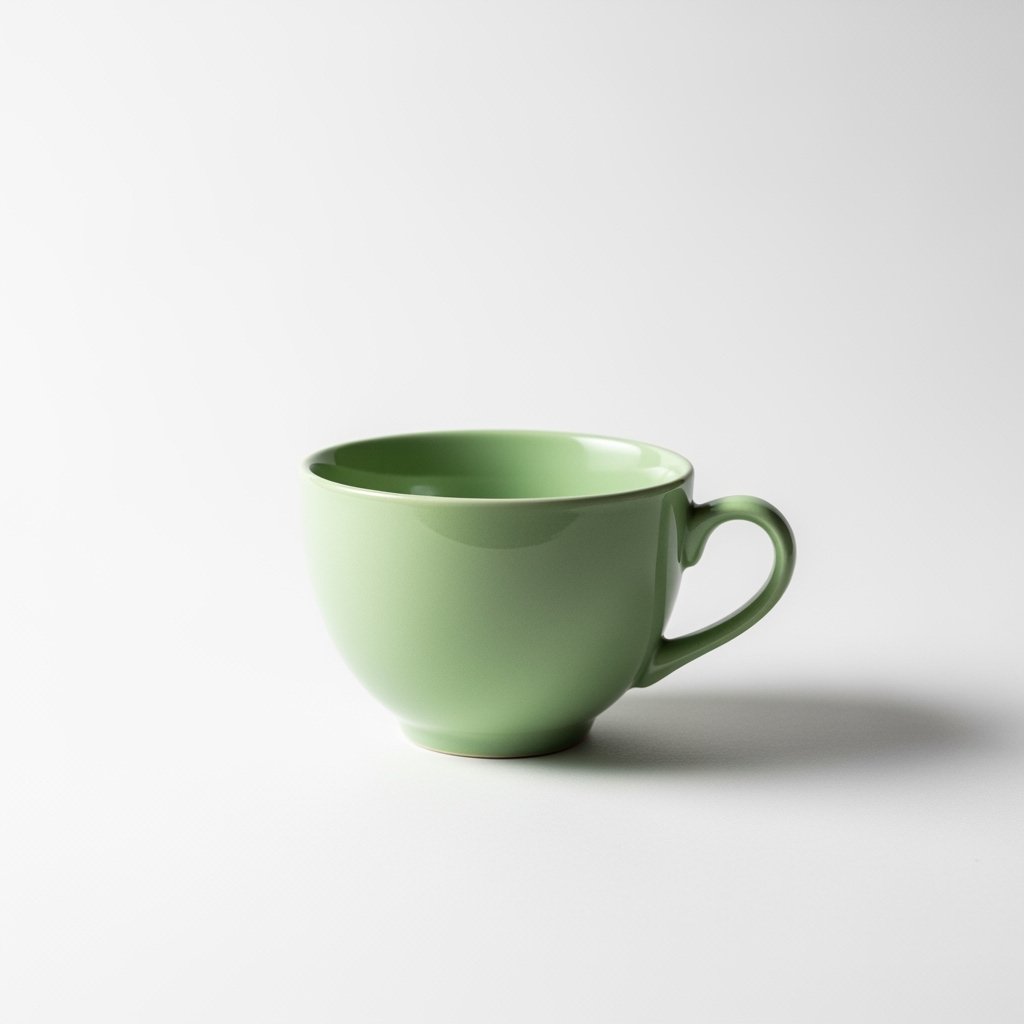
Original Photo
Every clip below started as a single still photo. Short, silent previews here; on models with audio you also get the sound.
One product photo of a cup. The AI adds the steam and keeps the cup still.
For product pages and adsA night sky photo turned into slow moving lights that loop without a cut.
For ambient YouTube videosThe wax rises and falls on repeat, from a single photo of the lamp.
For Reels and Shorts backgroundsA drone photo of the sea becomes waves rolling onto the sand, again and again.
For relaxing loops and wallpapersA fireplace photo with flickering flames, ready to stretch into a long ambient video.
For ambient YouTube videosThe same three steps in the web app and in the phone app.
JPG, PNG or WebP. The photo becomes the starting frame, so crop it to the shape you want: vertical for Reels, wide for YouTube.
Write what moves and how the camera moves, like "steam rises, slow push in". Or choose an effect such as Loop. Pick a model, or leave Best Match.
Set length and resolution within what the model supports. Models with audio add sound in the same pass. Download it or keep it in your history.
The models you can pick today for image to video. Length and resolution come from each model; the tool only offers what the model supports.
Realistic motion and lighting, with sound generated together with the video.
Smooth, controlled motion for people and products. 4K versions up to 10 s.
Long clips from one photo, from 480p up to 4K, plus Fast and Mini variants.
The newest Seedance, with audio and the same 15 second range.
The longest single clips here, with synchronized sound.
Wan 2.7 covers 2 to 15 s at up to 1080p. Wan 3.0 makes 5 s clips.
High resolution output up to 2160p. The Fast version goes up to 20 s.
Silent clips with lively, expressive motion. Good when you add your own music.
Also available: Vidu Q3, FLUX 3 Video, Grok Video, Gemini Omni Flash, PixVerse 5, Luma Ray 2 and HappyHorse. See all models.
Also: anime image to video, talking avatar for portraits that speak, and AIGC Studio for UGC video ads with script and voiceover.
Image to video AI takes a still photo and generates a short video from it. The model keeps the look of your photo and adds motion: steam rising from a cup, waves rolling in, a camera moving around a product. You guide it with a short text prompt.
Open the image to video tool in the web app or in the Aura AI app for iPhone and Android, upload a JPG, PNG or WebP photo, describe what should move, pick a model or leave Best Match, and generate. The video appears in your history, ready to download.
Google Veo 3.1, Kling 3.0 and Kling O3, Seedance 2.0 and 2.5, Sora 2 Pro, Wan 3.0 and Wan 2.7, LTX 2.3, Hailuo 2.3, MiniMax H3 and others. The full list is on the models page, and new models are added as they come out.
Yes, on models with audio. Veo 3.1, Kling 3.0, Seedance 2.0, Sora 2 Pro, Wan 2.7 and LTX 2.3 generate sound together with the video. Hailuo 2.3 and MiniMax H3 produce silent clips.
It depends on the model: Veo 3.1 makes 4, 6 or 8 seconds, Kling 3.0 and Seedance 2.0 go up to 15 seconds, Sora 2 Pro up to 20 seconds. To go longer, continue a clip with Extend Video with AI.
Most models output 720p or 1080p. Veo 3.1, Seedance 2.0 and the Kling 4K versions can render in 4K, and LTX 2.3 goes up to 2160p. The tool only shows the resolutions the selected model supports.
Yes. Choose the Loop effect, or add the word loop to your prompt, and the last frame flows back into the first. The aurora, ocean, fireplace and lava lamp clips on this page were made that way. The AI video loop generator page has more examples.
A sharp photo with a clear subject and the framing you want in the video. The photo is used as the starting frame, so crop it to the aspect ratio you need before uploading, and describe only the motion, not the whole scene again.
Open the image to video tool in your browser, or get the Aura AI app and animate photos straight from your camera roll.